Set up Wildcard SSL for Godaddy domain with Let's Encrypt
Summarize
- Update DNS settings with two type A records pointing to the server’s IP address.
- Install Certbot by following instructions on their website.
- Install Certbot GoDaddy DNS from https://github.com/miigotu/certbot-dns-godaddy.
- Create GoDaddy Credentials with a configuration file from your developer.godaddy.com account.
- Validate the domain using sudo certbot certonly command.
- Renew the certificate with sudo certbot renew command.
- Restart your application/load balancer to reload the certificate file.
Let’s Encrypt is a free, automated, and open certificate authority brought to you by the nonprofit Internet Security Research Group (ISRG). That’s why I use this Certificate Authority for my website and other wildcard domains (*.knyl.me).
To get a Let’s Encrypt certificate, you’ll need an ACME client software, and most people use Certbot.
Installation
-
Update DNS Settings
Add two type A records (
@and*) to your DNS domain pointing to your server’s IP address.---------------------------------------- | Type | Name | Data | ---------------------------------------- | A | @ | <your server IP> | | A | * | <your server IP> | ----------------------------------------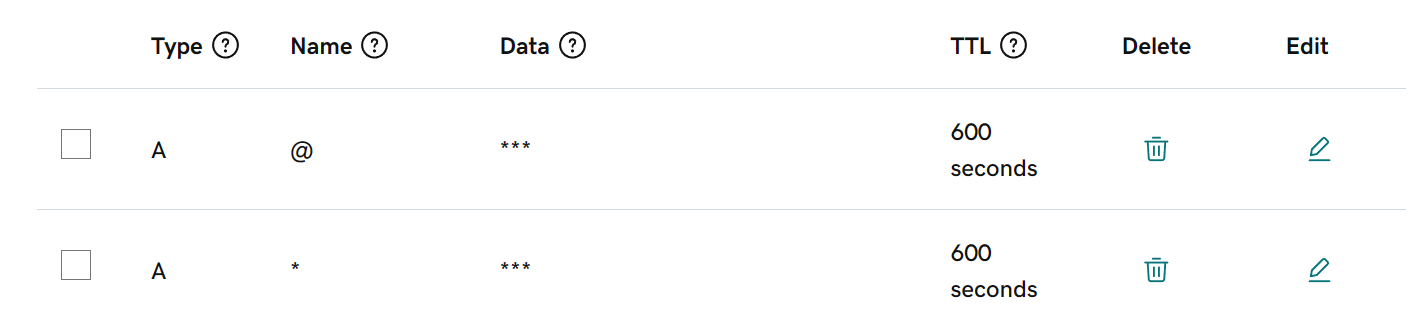
The second record is used for wildcard domains. If you only want to get a certificate for your original domain, add two type A records:
@andwww. -
Install Certbot on server
Go to Certbot’s website, choose the software and system.

Follow the instructions to install Certbot.
-
Install Certbot GoDaddy DNS
Because Certbot does not have an official DNS plugin for GoDaddy, you have to install a third-party plugin from **https://github.com/miigotu/certbot-dns-godaddy**.
pip install certbot-dns-godaddy -
Create GoDaddy Credentials
Certbot GoDaddy Plugin requires a configuration file containing GoDaddy API credentials obtained from your developer.godaddy.com account.
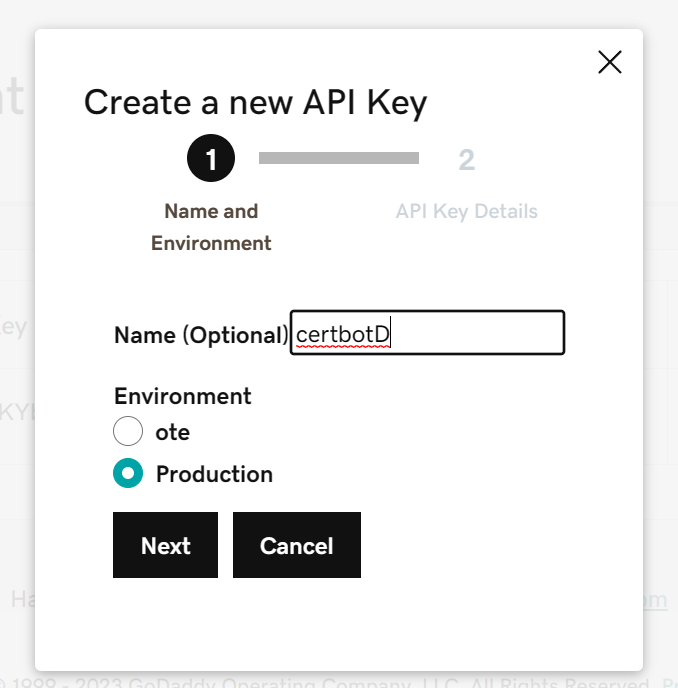
- Go to API keys, create a key:
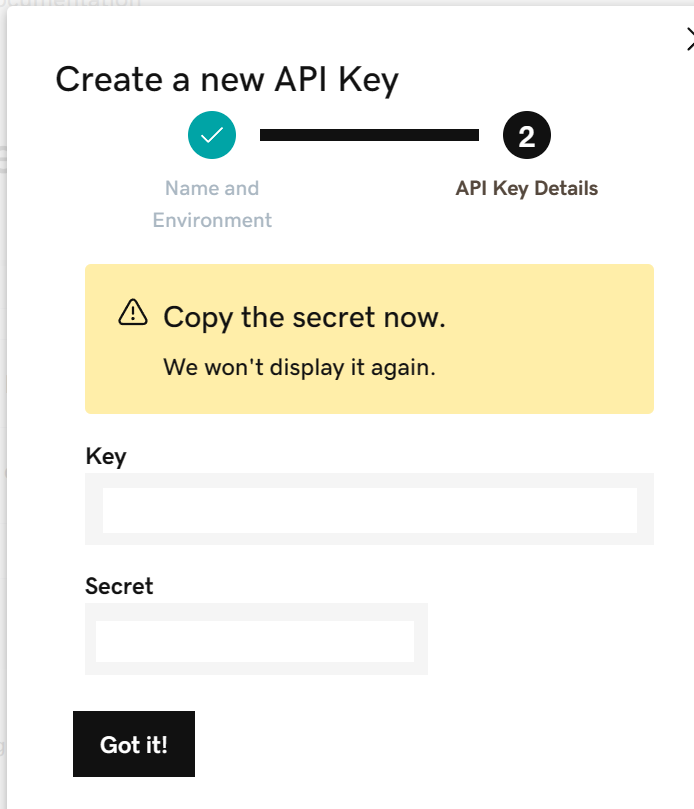
- Save the key and secret to your backup notes.
- Create a credential file on your server using the key and secret above:
credentials.ini
    dns_godaddy_secret      = 0123456789abcdef0123456789abcdef01234567
    dns_godaddy_key = abcdef0123456789abcdef01234567abcdef0123
-
Validate domain
Use this command to validate:
sudo certbot certonly \\
--authenticator dns-godaddy \\
--dns-godaddy-credentials <path_to_credentials.ini> \\
--dns-godaddy-propagation-seconds 90 \\
--keep-until-expiring --non-interactive --expand \\
--server <https://acme-v02.api.letsencrypt.org/directory> \\
-d 'example.com' \\
-d '*.example.com' # remove if you don't need to validate wildcard domains
After the progress is finished, your certificates will be stored at /etc/letsencrypt/live/example.com.
-
Renew
- Test automatic renewal:
sudo certbot renew --dry-run- Renew:
sudo certbot renew
Last but not least
Remember to restart your application/load balancer to reload the certificate file.
Conclusion
These are all the steps to set up Wildcard SSL for GoDaddy domains with Let’s Encrypt. I hope this article is helpful for you.
If you have any questions, feel free to ask in the comments below!